# myCobotROS
[](READMEcn.md)
[English](README.md) | [中文](READMEcn.md)
**Notes**:
> Make sure that `Atom` is flashed into the top Atom and `Transponder` is flashed into the base Basic .The tool download address: [https://github.com/elephantrobotics/myCobot/tree/main/Software](https://github.com/elephantrobotics/myCobot/tree/main/Software)
> ubuntu: 16.04LTS
> ros version: 1.12.17
**If your `Atom` is 2.3 or before, or `pymycobot` is 1.\*, Please check branch [before](https://github.com/elephantrobotics/myCobotRos/tree/before)**
Download ROS [http://wiki.ros.org/ROS/Installation](http://wiki.ros.org/ROS/Installation)
## 1. Installation
### 1.1 Pre-Requriements
For using this package, the [Python api](https://github.com/elephantrobotics/pymycobot.git) library should be installed first.
```bash
pip install pymycobot --user
```
### 1.2 Package Download and Install
Install ros package in your src folder of your Catkin workspace.
```bash
$ cd ~/catkin_ws/src
$ git clone https://github.com/elephantrobotics/myCobotROS.git
$ cd ~/catkin_ws
$ catkin_make
```
### 1.3 Test Python API
```bash
cd ~/catkin_ws/src/myCobotROS
python scripts/test.py
```
## 2. Package Modules
### 2.1 Nodes
- `display` is a display node. When the node is running, the model of ROS will show the movement of mycobot synchronously.
- `control_slider` is the node which slider bar control.
- `control_marker` is the node which use interactive marker control.
### 2.2 Topics
- `joint_states` - control mycobot status.
```
Message_type: std_msgs/JointState
Data: position[float, float, float, float, float, float]
```
## 3. Visualization in RViz
### 3.1 Functions
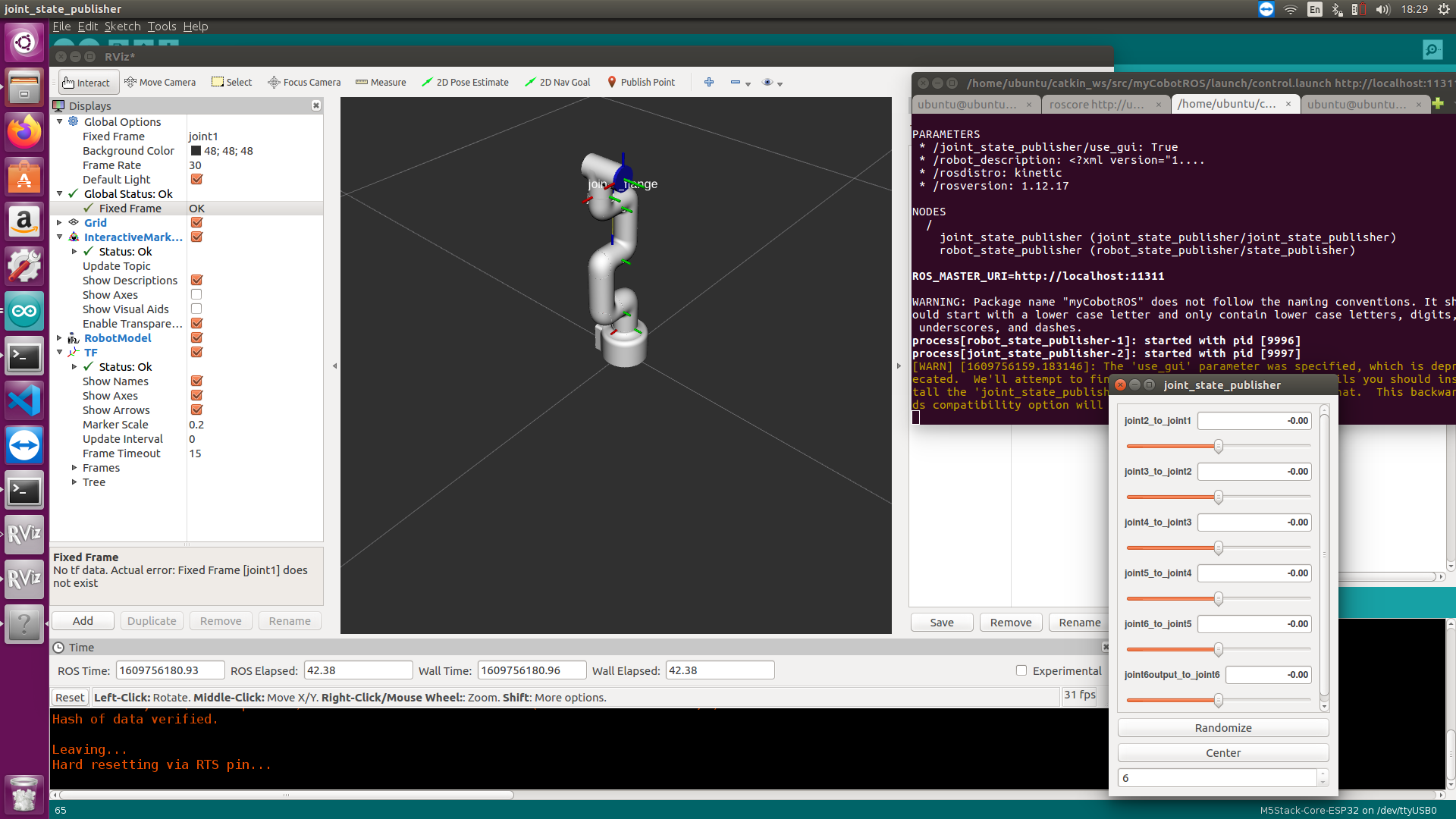
- Visualization -- display.launch: This function will display robot arm movement in realtime when you manually move mycobot.
- Control -- control.launch: This function will allow you use slider bar to control movement of the robot arm.
### 3.2 Lanuch and Run
- **Use slide bar to control**
- launch ros and rviz
```
roslaunch myCobotROS control_slider.launch
```
- run python script
```
rosrun myCobotROS control_slider.py
```
- **The model moves with the real manipulator**
- launch ros and rviz
```
roslanuch myCobotROS mycobot.launch
```
- run python script
```
rosrun myCobotROS display.py
```
## Q & A
**Q: error[101]**
**A:** Make sure that the serial port is not occupied, and that the correct firmware is burned in for atom and basic